
Help centre · SEJR POS
MPOS
The handheld terminal: sales, tables and delivery. Choose what you need help with. Each guide is a short video with the steps written out.
19 video guides
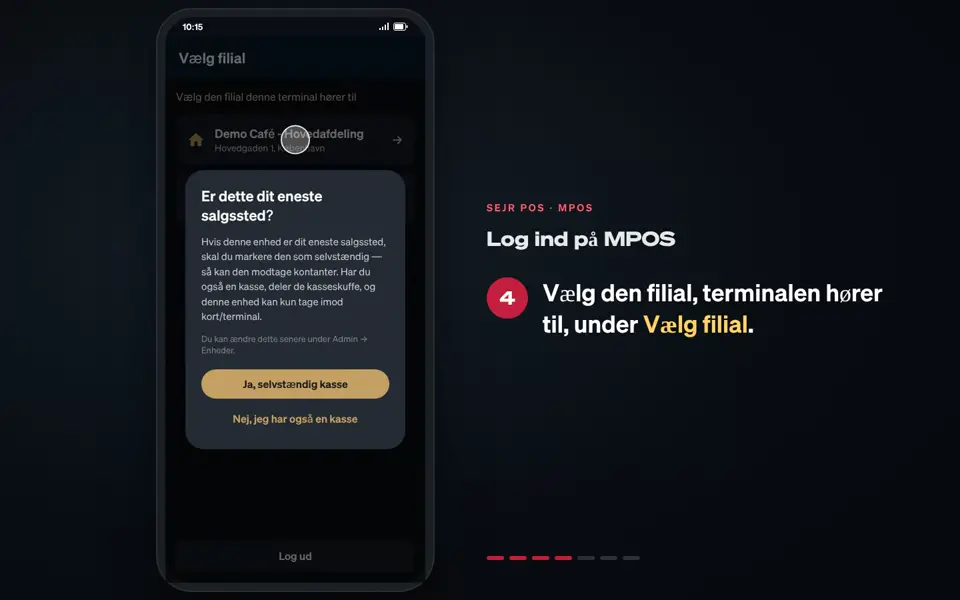 0:35 Log in to MPOS Learn how to log in to MPOS and set up the terminal the first time. 7 steps→
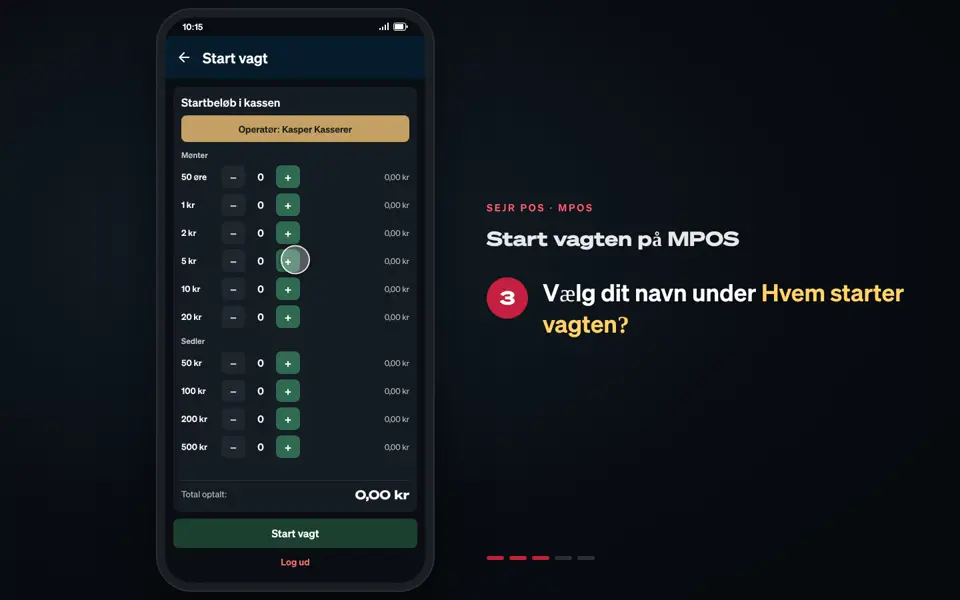 0:29 Start the shift on MPOS Learn how to start a shift on MPOS and choose how the terminal is used. 5 steps→
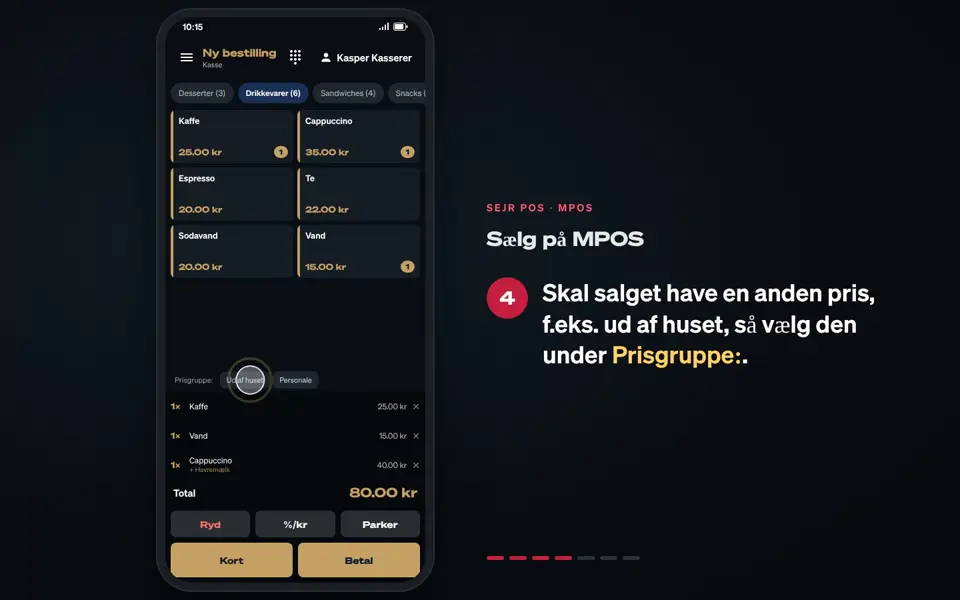 0:37 Sell on MPOS Learn how to add items to the basket and make a sale on MPOS. 7 steps→
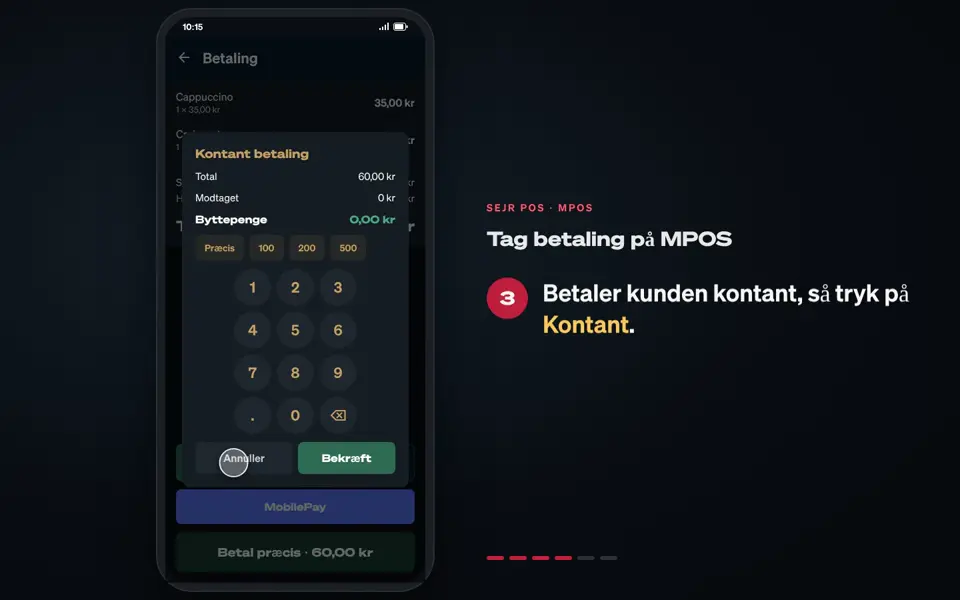 0:35 Take payment on MPOS Learn how to take payment by card or cash on MPOS and give the customer a receipt. 6 steps→
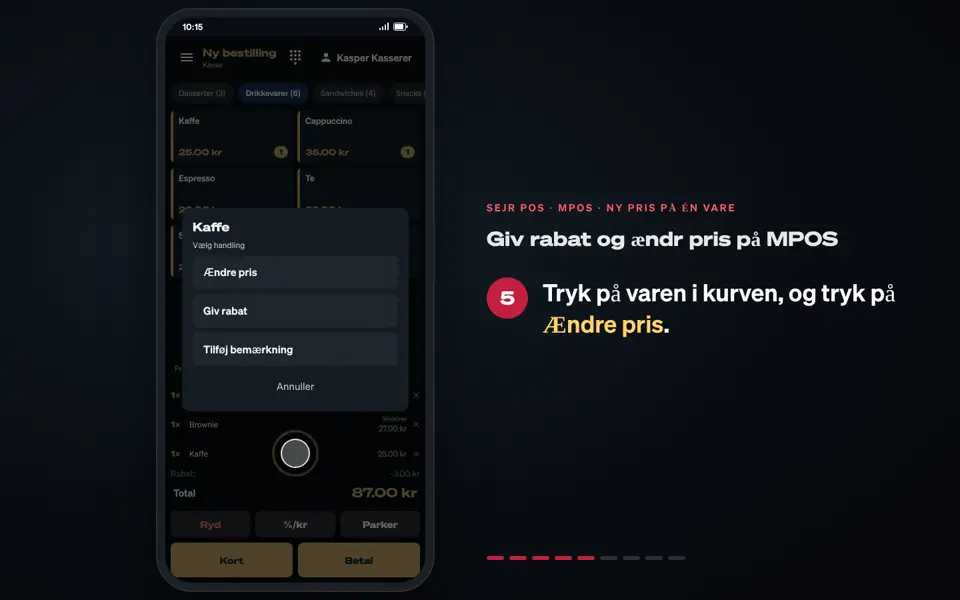 0:37 Give a discount and change a price on MPOS Learn how to give a discount on an item or the whole sale, and how to change the price of an item on MPOS. 9 steps→
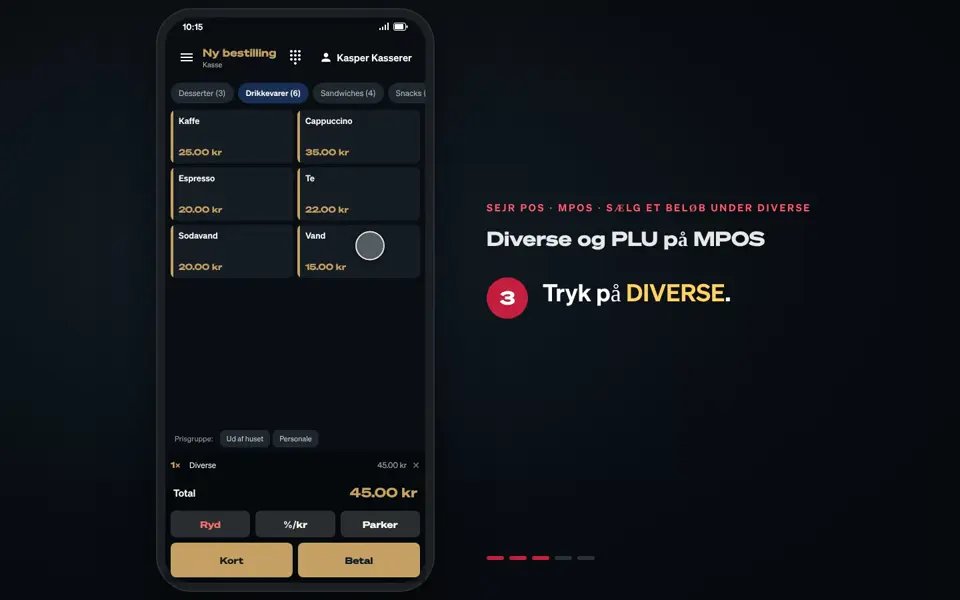 0:22 Misc and PLU on MPOS Learn how to sell an amount under Misc and find an item by number with PLU on MPOS. 5 steps→
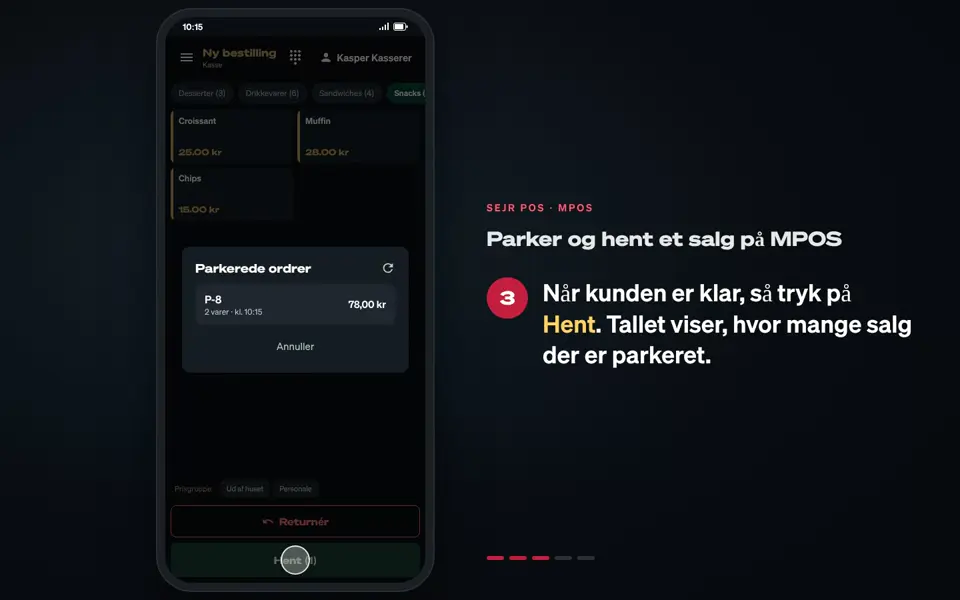 0:26 Park and open a sale on MPOS Learn how to park a sale on MPOS and open it again when the customer is ready. 5 steps→
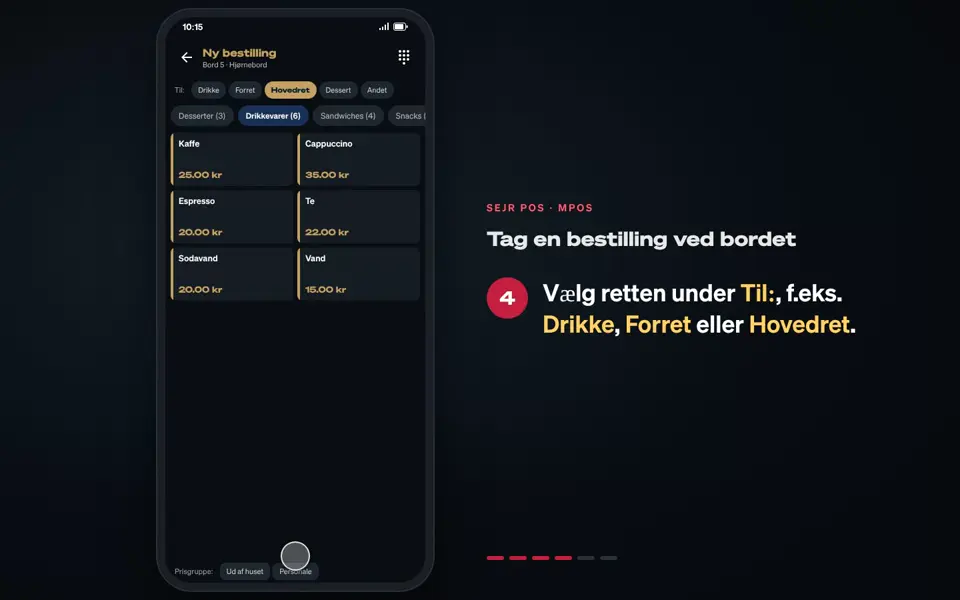 0:32 Take an order at the table Learn how to take an order at the table with MPOS in the Floor plan mode. 6 steps→
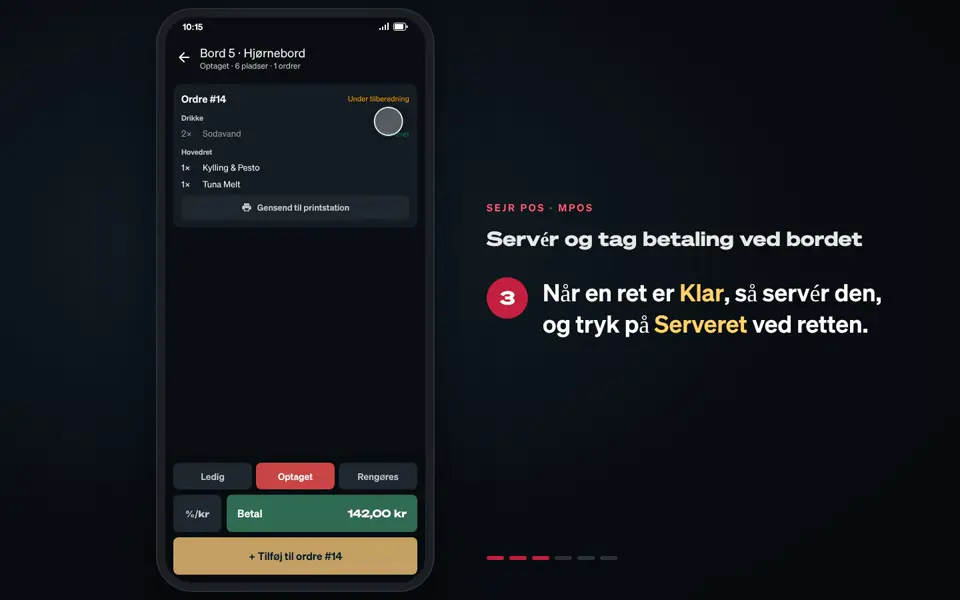 0:34 Serve and take payment at the table Learn how to send the courses to the kitchen, mark them as served and take payment at the table with MPOS. 6 steps→
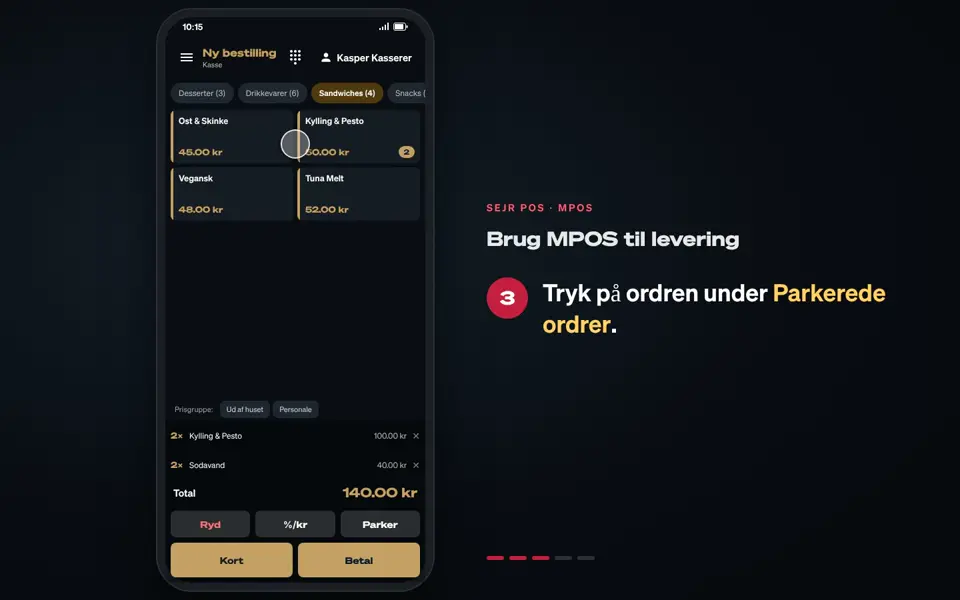 0:28 Use MPOS for delivery Learn how to use MPOS in the Delivery mode and take payment at the customer. 5 steps→
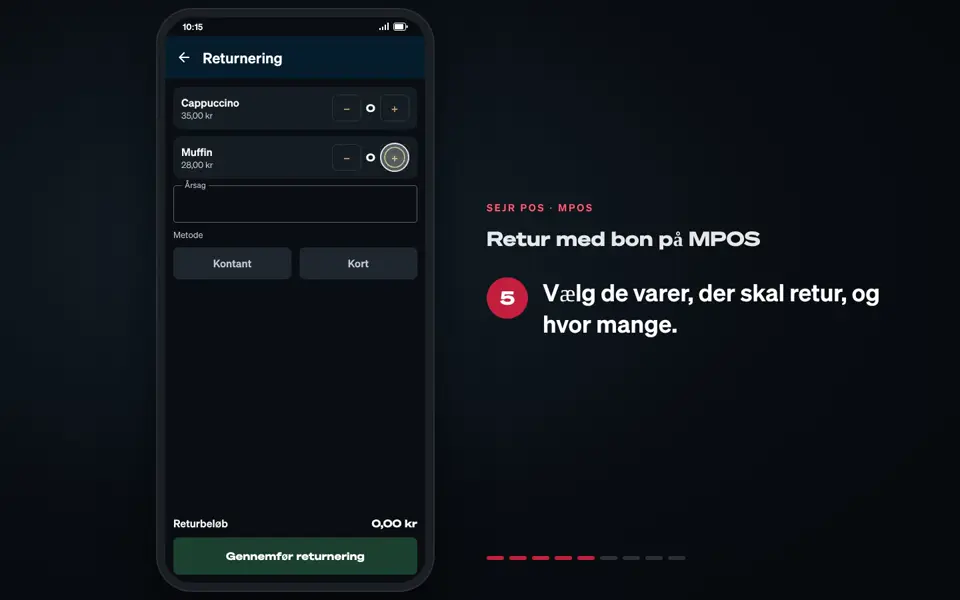 0:37 Return with a receipt on MPOS Learn how to take an item back on MPOS when the customer has the receipt. 9 steps→
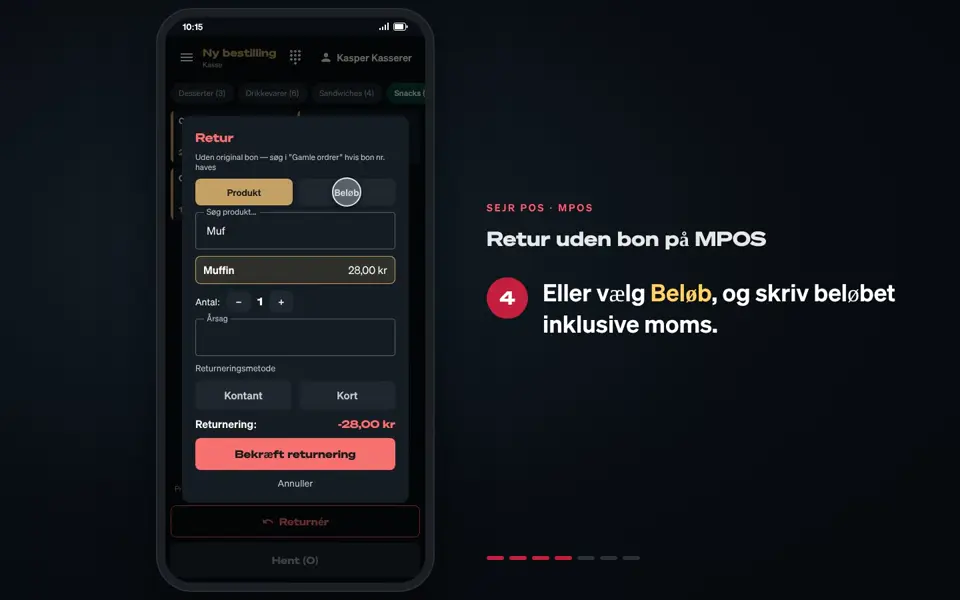 0:30 Return without a receipt on MPOS Learn how to take an item back on MPOS when the customer does not have the receipt. 7 steps→
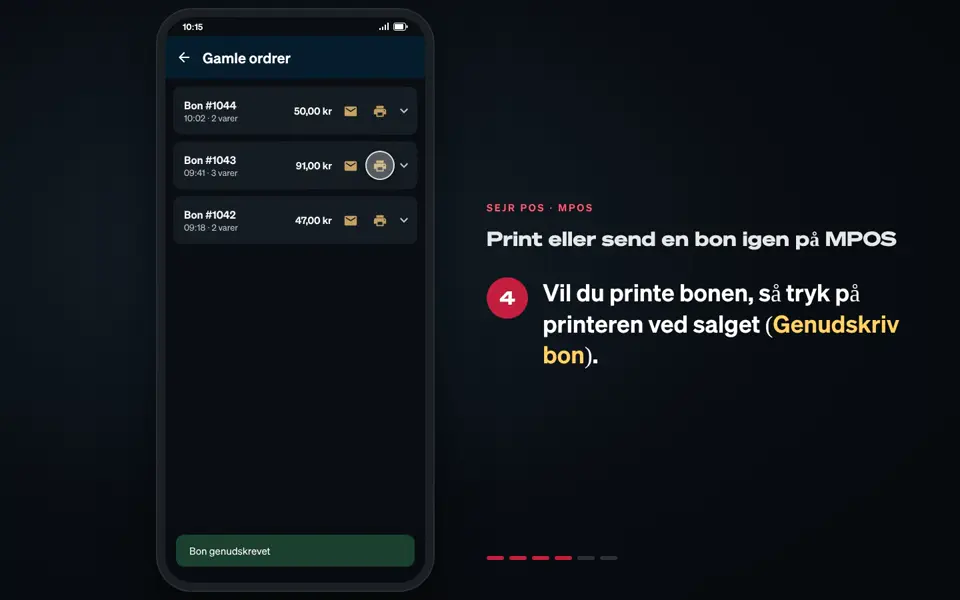 0:30 Print or send a receipt again on MPOS Learn how to print a receipt again or send it by email from Past orders on MPOS. 6 steps→
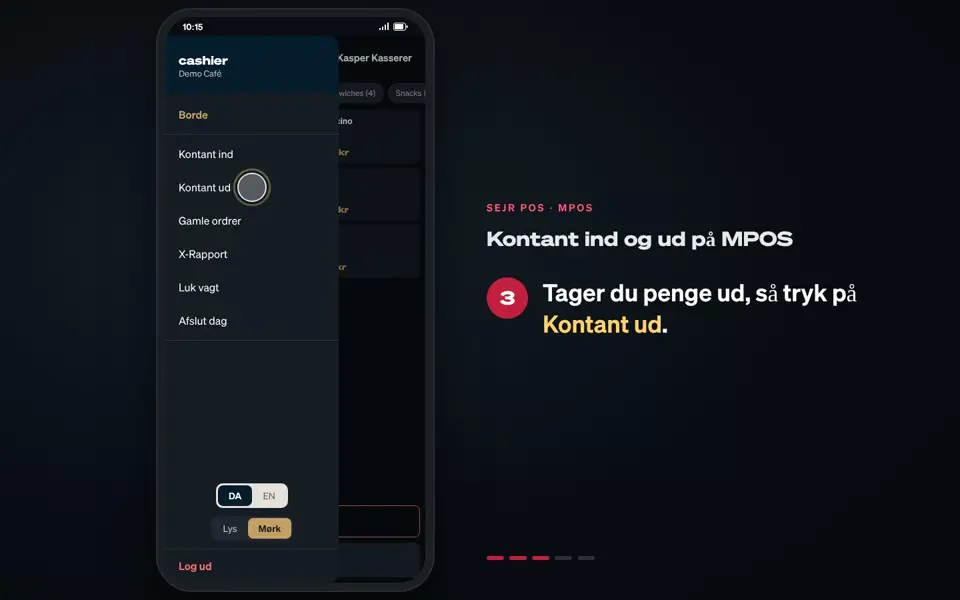 0:22 Cash in and out on MPOS Learn how to record money put into or taken out of the MPOS till. 5 steps→
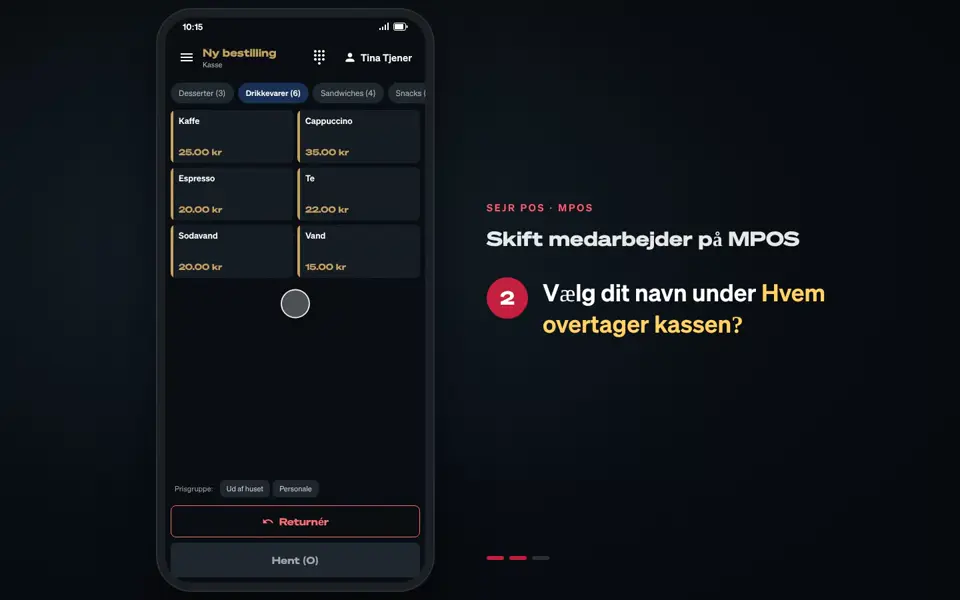 0:14 Switch staff member on MPOS Learn how to switch staff member on MPOS, so the sale is recorded on the right person. 3 steps→
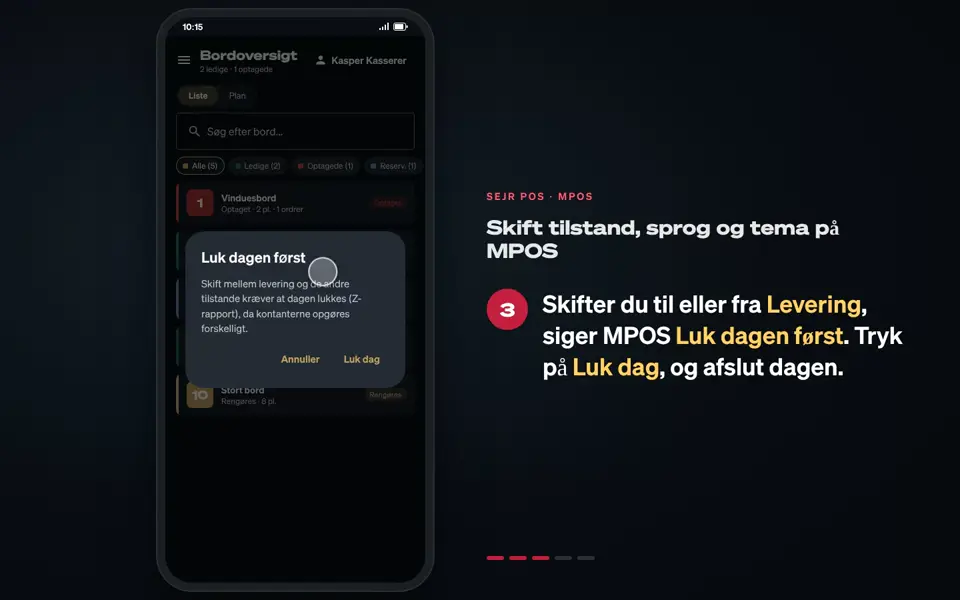 0:31 Change mode, language and theme on MPOS Learn how to switch between Register, Floor plan and Delivery, and how to change the language and theme on MPOS. 5 steps→
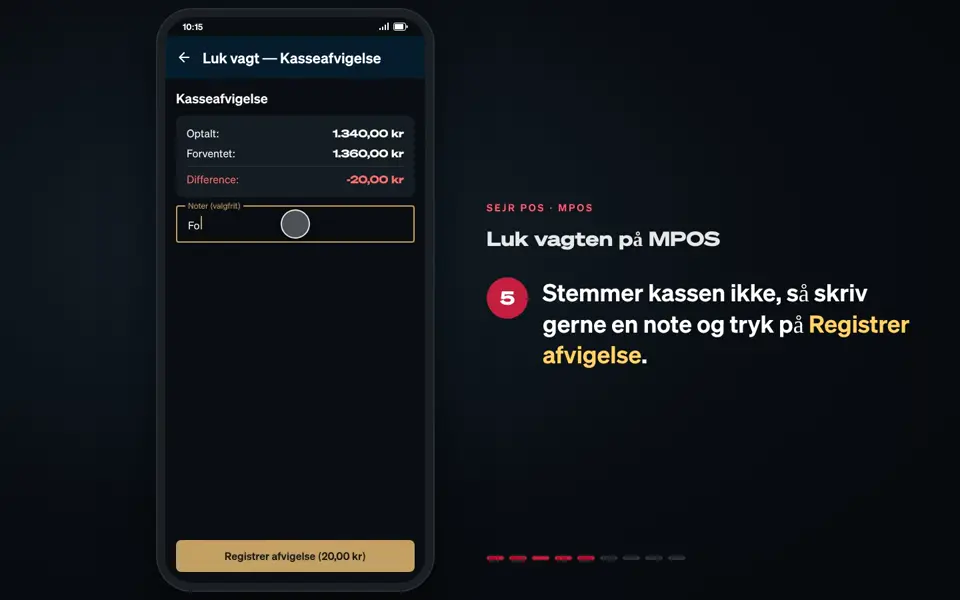 0:46 Close the shift on MPOS Learn how to count the till and close your shift on MPOS. 9 steps→
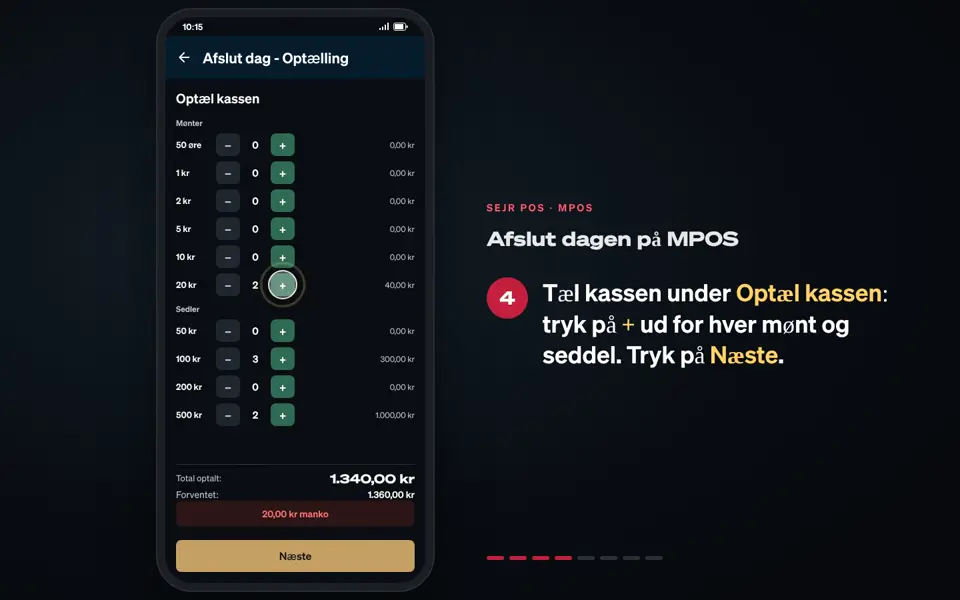 0:46 End the day on MPOS Learn how to end the day on MPOS and make the day's Z report. 8 steps→
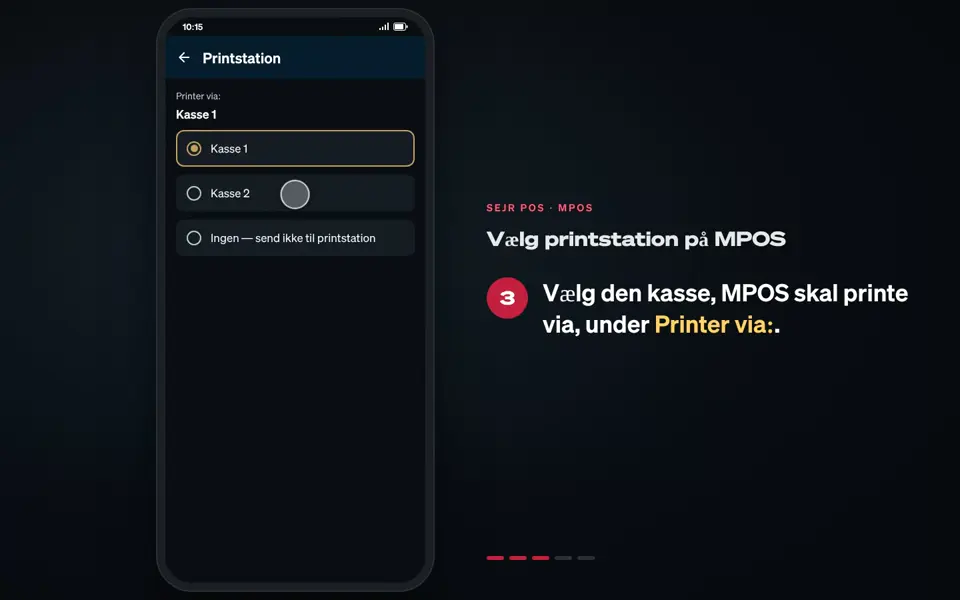 0:22 Choose the print station on MPOS Learn how to choose which till MPOS sends the kitchen tickets to. 5 steps→
Did not find the answer?
Call or write, and we will take it from here.
Weekdays 9–17, Danish time