SEJR POS · MPOS
Switch staff member on MPOS
Here you learn how to switch staff member when a colleague takes over the terminal.
Watch how it is done14 sec.
The shift goes on, and the sales are recorded on the person taking over.
Step by step
Tick a step when it is done
Button names are written as they appear on a till set to Danish. The brackets give the name on a till set to English, the first time a button is mentioned. Change the till's language
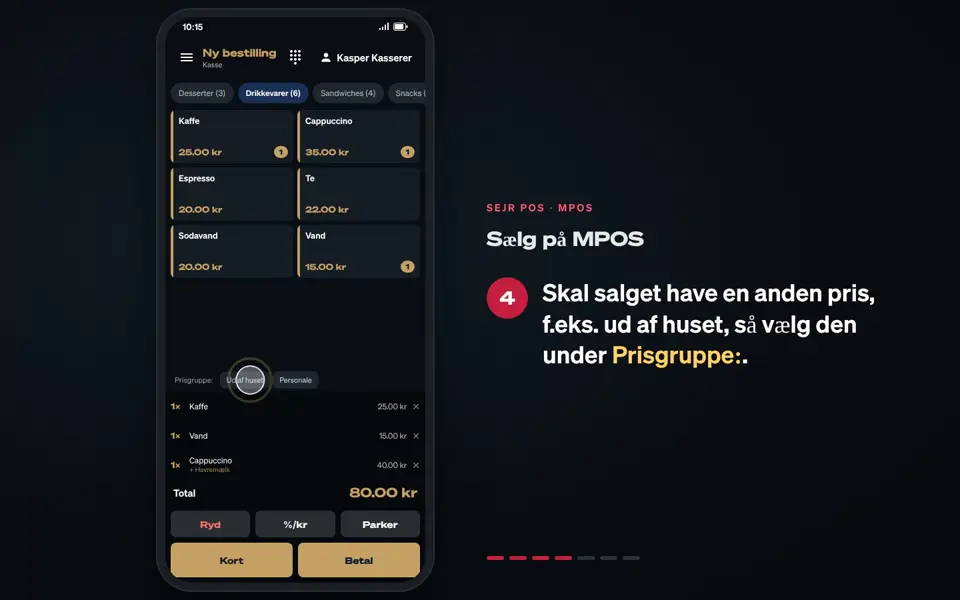
- Tap the name at the top right.
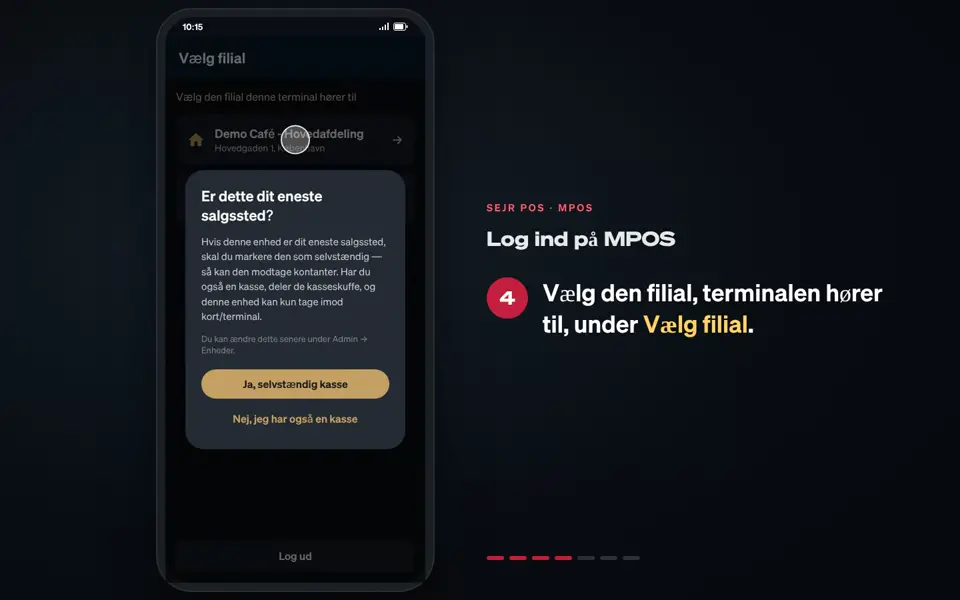
- Choose your name under Hvem overtager kassen? (Who is taking over the till?)
- Check that your name is shown at the top right.
Good to know
- The shift stays the same. You do not count the till when you switch.
Finishing up
The sales are now recorded on you.
Still not working? Contact SEJR Support. We are happy to help.
Did the guide help you?