SEJR POS · MPOS
Park and open a sale on MPOS
Here you learn how to park a sale, so you can help the next customer in the meantime.
Watch how it is done26 sec.
When the customer is ready, you open the sale again.
Step by step
Tick a step when it is done
Button names are written as they appear on a till set to Danish. The brackets give the name on a till set to English, the first time a button is mentioned. Change the till's language
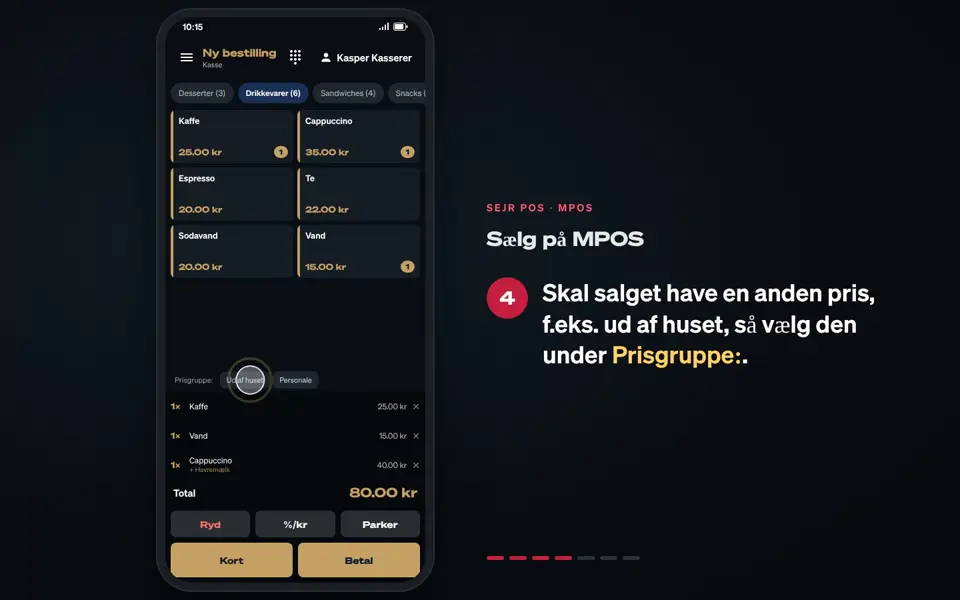
- Tap Parker (Park) while the sale is in the basket.
- MPOS shows Ordre parkeret (Order parked), and the basket is empty again.
- When the customer is ready, tap Hent (Open). The number shows how many sales are parked.
- Choose the sale under Parkerede ordrer (Parked orders).
- Finish the sale, and tap Betal (Pay).
Good to know
- Hent is only shown when the basket is empty.
- Delivery: In the Levering (Delivery) mode, MPOS also shows the parked orders. See Use MPOS for delivery.
Finishing up
The sale is open and can be paid as usual.
Still not working? Contact SEJR Support. We are happy to help.
Did the guide help you?