SEJR POS · MPOS
Choose the print station on MPOS
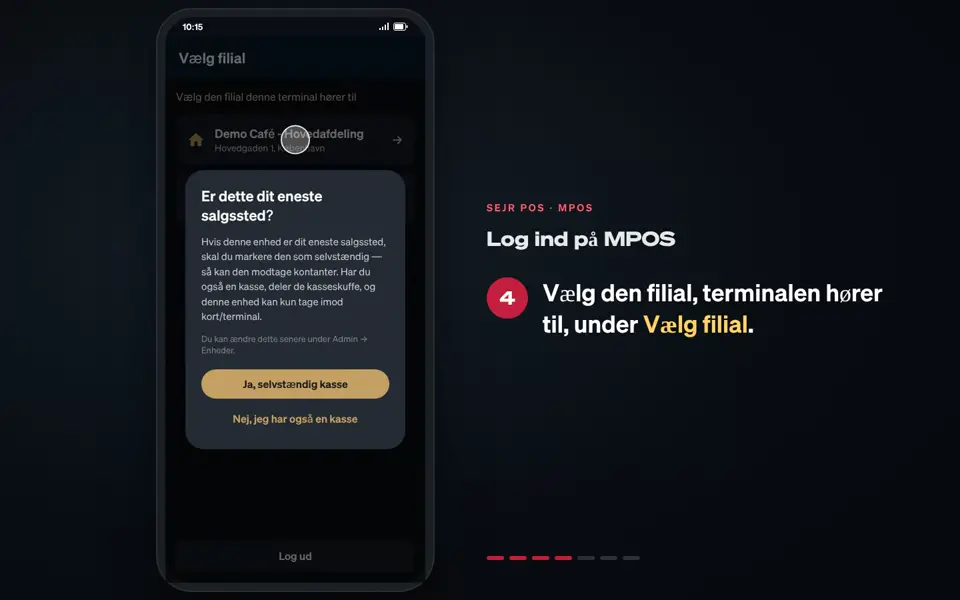
MPOS prints the kitchen tickets via one of your tills.
Watch how it is done22 sec.
Here you learn how to choose which one.
Step by step
Tick a step when it is done
Button names are written as they appear on a till set to Danish. The brackets give the name on a till set to English, the first time a button is mentioned. Change the till's language
- Tap Menu at the top left.
- Tap Printstation (Print station).
- Choose the till MPOS should print via, under Printer via: (Printing via:).
- If MPOS should not send tickets to the kitchen, choose Ingen (None).
- MPOS shows Printstation opdateret (Print station updated).
Good to know
- Printstation is only in the menu when MPOS is not a standalone till.
- The customer's receipt is printed by MPOS itself.
Finishing up
The kitchen tickets are now printed on the till you chose.
Still not working? Contact SEJR Support. We are happy to help.
Did the guide help you?