SEJR POS · MPOS
Take an order at the table
Here you learn how to take an order at the table in the Bordplan (Floor plan) mode.
Watch how it is done32 sec.
The order is sent on to the kitchen.
Step by step
Tick a step when it is done
Button names are written as they appear on a till set to Danish. The brackets give the name on a till set to English, the first time a button is mentioned. Change the till's language
- Find the table under Bordoversigt (Table view), or tap Plan to see the tables on a drawing.
- Tap the table.
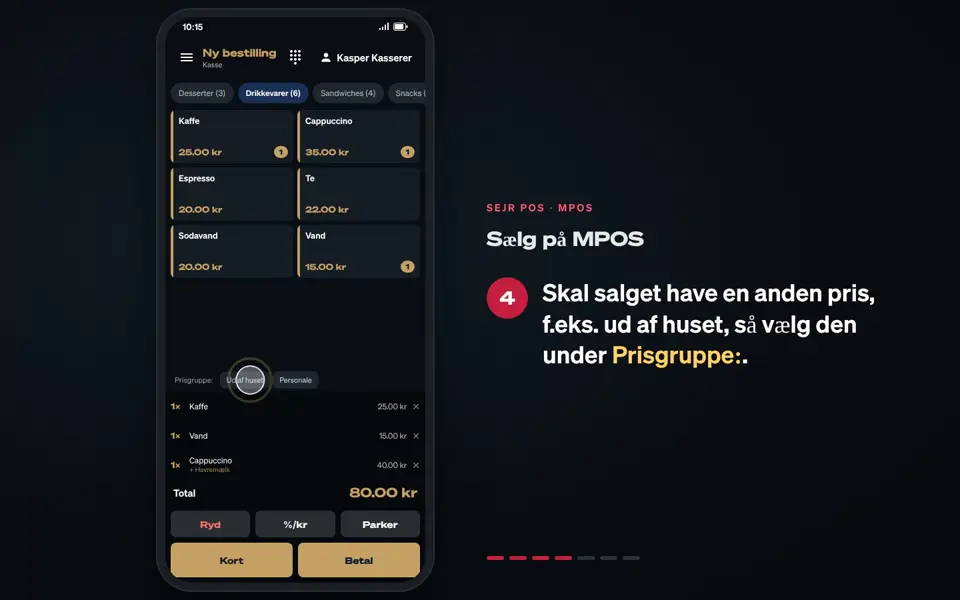
- Tap + Ny bestilling (+ New order).
- Choose the course under Til: (For:), e.g. Drikke (Drinks), Forret (Starter) or Hovedret (Main).
- Tap the items to add them to the order.
- Tap Afgiv ordre (Place order).
Good to know
- Order more: If the table already has an order, it says + Tilføj til ordre (+ Add to order) instead.
- The table's status: At the bottom of the table you can set it to Ledig (Available), Optaget (Occupied) or Rengøres (Cleaning).
- Search: Use Søg efter bord... (Search for table...) or the filters Ledige (Available) and Optagede (Occupied) to find the table quickly.
Finishing up
The order has been sent. See how to serve and take payment: Serve and take payment at the table.
Still not working? Contact SEJR Support. We are happy to help.
Did the guide help you?