SEJR POS · MPOS
Use MPOS for delivery
In the Levering (Delivery) mode, MPOS shows the orders waiting for payment, e.g. orders parked on the till.
Watch how it is done28 sec.
You take the terminal with you and take payment at the customer.
Step by step
Tick a step when it is done
Button names are written as they appear on a till set to Danish. The brackets give the name on a till set to English, the first time a button is mentioned. Change the till's language
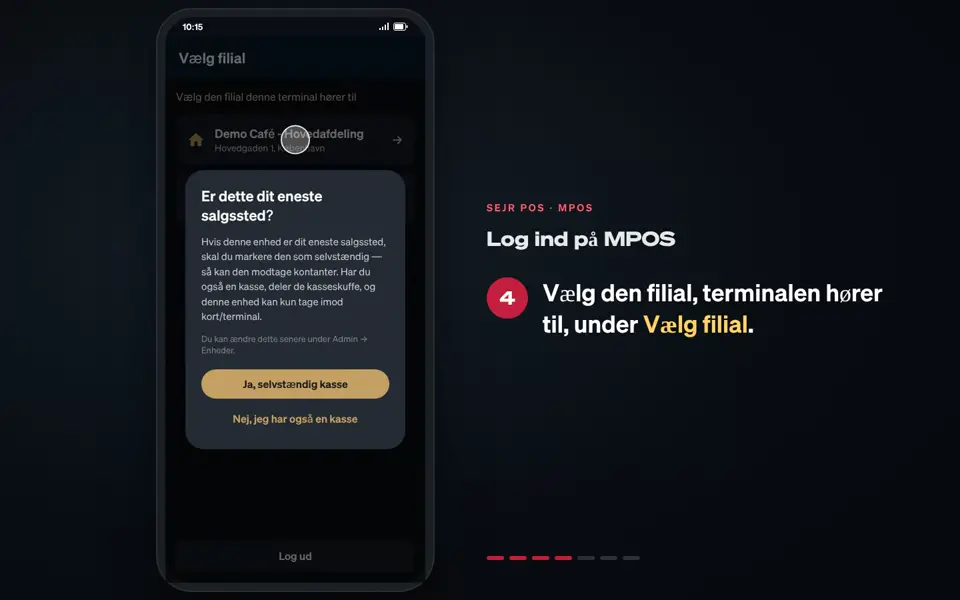
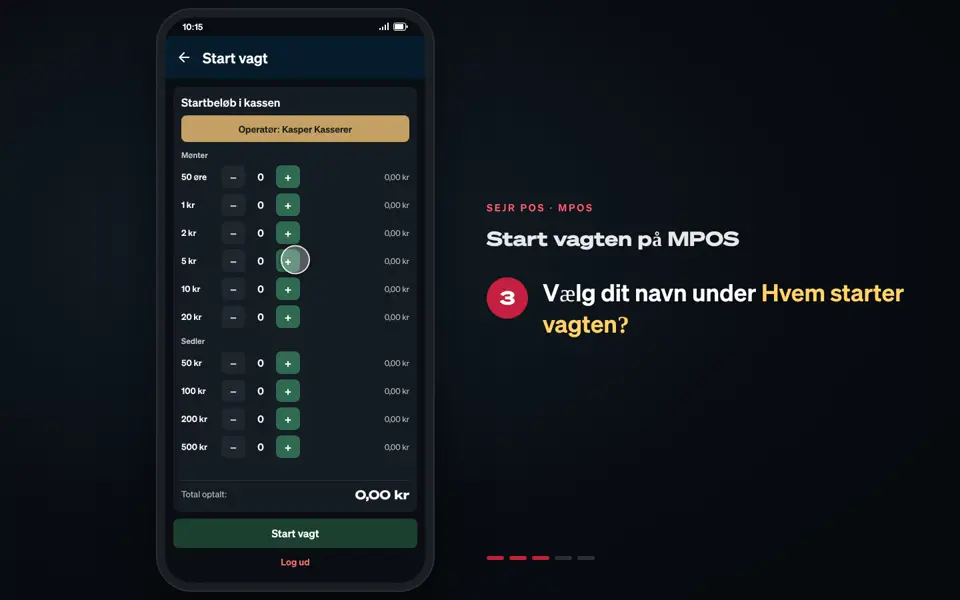
- Choose Levering under Vælg tilstand (Select mode) when you start the shift.
- Pull the list down to fetch the newest orders.
- Tap the order under Parkerede ordrer (Parked orders).
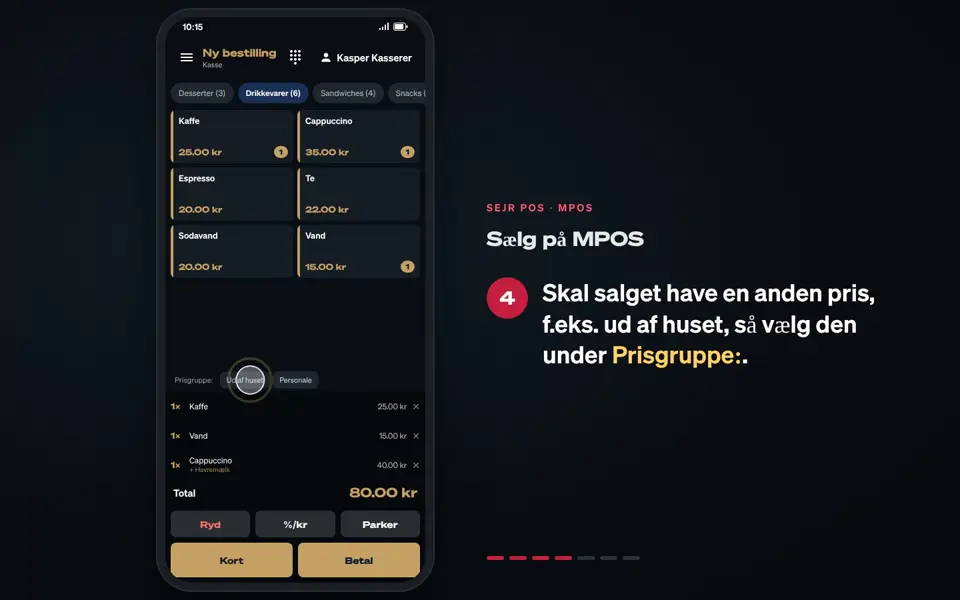
- The order opens with its items. Tap Kort (Card), and ask the customer to hold the card or phone against the terminal.
- Choose the receipt.
Good to know
- Levering can only be chosen when you also have a regular till.
- Other payment methods: Tap Betal (Pay) instead of Kort. If you have set up more payment methods, they are shown there.
- Change mode: To change from Levering to Kasse (Register) or Bordplan (Floor plan), you must end the day first.
Finishing up
The order is paid and disappears from the list.
Still not working? Contact SEJR Support. We are happy to help.
Did the guide help you?