SEJR POS · MPOS
Close the shift on MPOS
Here you learn how to close your shift on MPOS.
Watch how it is done46 sec.
You count the till, and MPOS shows an X report for the shift.
Step by step
Tick a step when it is done
Button names are written as they appear on a till set to Danish. The brackets give the name on a till set to English, the first time a button is mentioned. Change the till's language
- Tap Menu at the top left.
- Tap Luk vagt (Close shift).
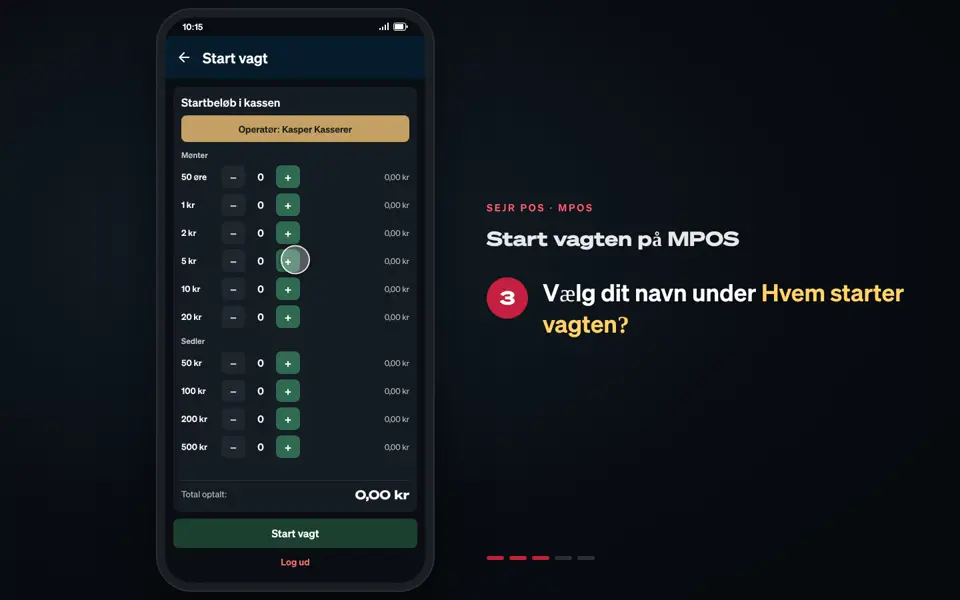
- Count the till under Optæl kassen (Count the till): tap + next to each coin and note.
- Tap Næste (Next).
- If the till does not balance, feel free to write a note and tap Registrer afvigelse (Register discrepancy).
- Under Udtræk (Cash out): enter what Bliver i kassen (Stays in the till). The rest is Tages ud af kassen (Taken out of the till).
- Tap Bekræft og luk vagt (Confirm and close shift).
- If you want the X report on paper, tap Print X-Rapport (Print X-report).
- Tap Færdig (Done).
Good to know
- No counting: If MPOS is not a standalone till, you go straight to Bekræft og luk vagt.
- At the end of the day: Use End the day on MPOS instead. It also closes the shift.
Finishing up
The shift is closed, and the next person can start a new shift.
Still not working? Contact SEJR Support. We are happy to help.
Did the guide help you?